Showing posts with label try this at home. Show all posts

Wednesday, May 20, 2015

Alpha Order with Room 4

Second graders are practicing their alphabetization skills, because we're learning about guide words, because the annual dictionary races are coming up!

Guide words help you find what you're looking for without having to look at every single page. For example, these are words that would come between the guide words "baby" and "eagle":


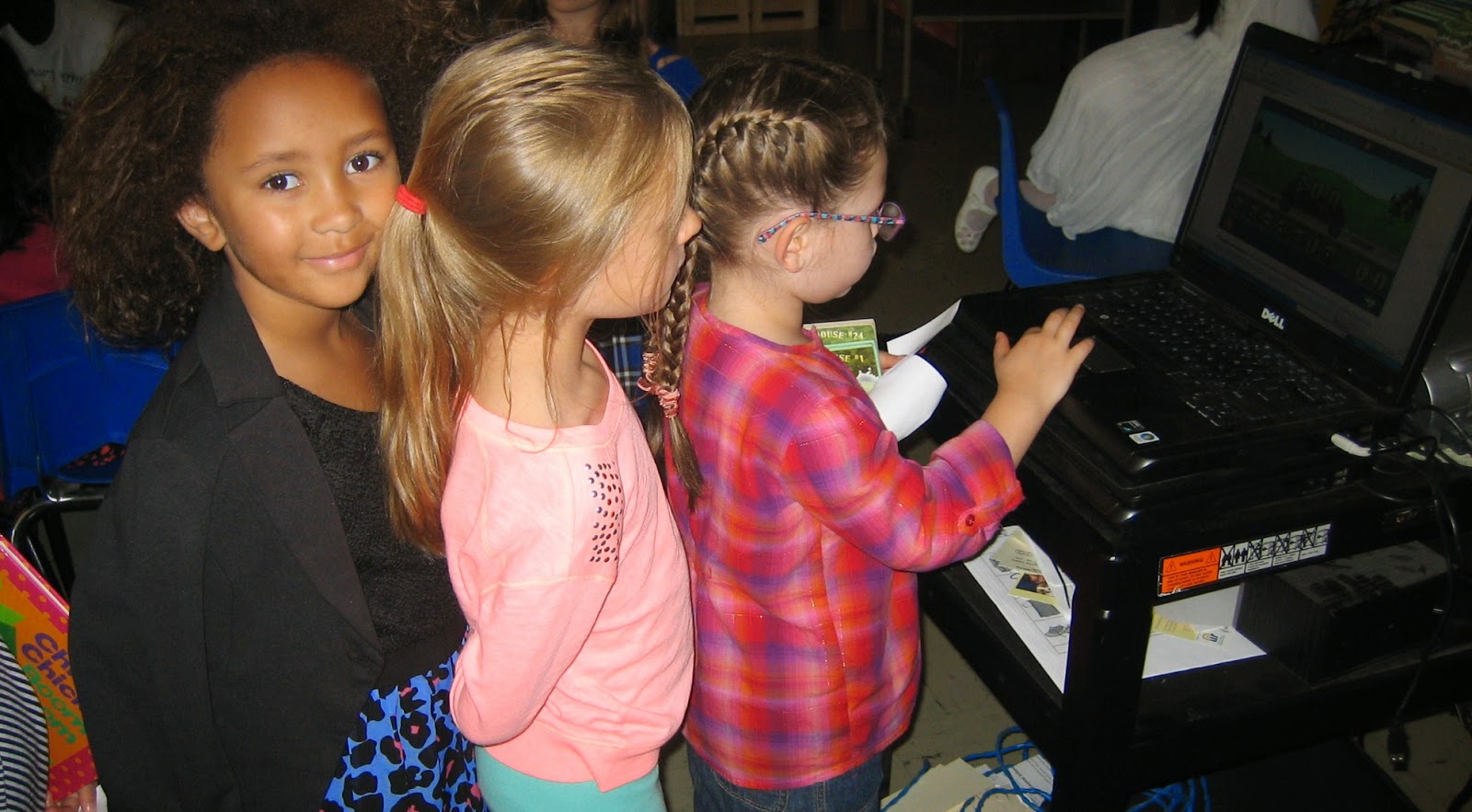
The kids had fun playing Guide Words Rags to Riches ... the highest score so far was 64,000. Do you think you can beat it? Try it by clicking this link.

Finally, here is Room 4 getting themselves in order:


Wednesday, January 21, 2015

Monday, December 29, 2014

7 Continents and 5 Oceans with Grade 4

Fourth-graders are learning about maps and atlases.

How quickly can you correctly identify the world's continents and oceans on your first try? 

If you need a refresher before clicking the link above, watch this video.


If you'd like to be able to identify the countries on each continent, try playing the geography games on freerice.com. This site donates 10 grains of rice to the World Food Programme for every correct answer.


6th Grade Keyword Challenge - Taboo!

source: hasbro.com
We've been talking about keywords, which are the words you type into a search query. To get good results (before you even start evaluating the sources), you need to use precise terms and consider alternative ways of expressing them.

Sixth graders practiced this skill by taking turns describing objects to their classmates. We kept track of how many wrong answers were given until we had enough information to definitively identify the object ... usually at least three terms were needed.

The activity is similar to the board game Taboo!, where the person giving the clues has to avoid saying certain giveaway words. The students decided to play their own version during checkout the next week, using the terms on the card as the keywords.

You can play Taboo! at home with this online version. 

There are also apps out there that you can download to your phone or tablet. Have fun!

Tuesday, November 4, 2014

Three of These Things with Room 2

We talked about sorting and categories in first grade, since the students are learning how the library is set up so they can choose their own books. After sorting some objects, we watched this classic video:


Then the students created their own "Three of These Things" game board. After viewing their creations below, you can play an online game to see how good you are at figuring out what is different. The link is at the end of this post.


Click here to play the game.

Sunday, October 26, 2014

Go to AskRI.org for Homework Help

Fifth- and sixth-graders have been exploring the features available on AskRI.org, an AWESOME, FREE site provided by the state's Office of Library and Information Services that gives you access to a ton of reference resources.

For example, Homework Help lets you chat with a tutor between 2 p.m. and 10 p.m. every day. That is FREE tutoring available eight hours a day. You don't even have to create an account to use the service. And if you need help outside of tutoring hours, nthere are lots of study resources available.

Go ahead and try Homework Help now

Wednesday, September 24, 2014

Tomorrow's Alphabet with Room 3

source: powells.com
Today we read Tomorrow's Alphabet by George Shannon. The second graders had to use their brains to figure out the word for each letter. Here's an example:

A is for seed ... tomorrow's APPLE.

Can you figure out the answers to the following?

  • B is for egg, tomorrow's ____________________
  • D is for puppy, tomorrow's ____________________
  • I is for water, tomorrow's ____________________
  • J is for pumpkin, tomorrow's ____________________
  • K is for tomato, tomorrow's ____________________
  • M is for caterpillar, tomorrow's ____________________
  • N is for twigs, tomorrow's ____________________
  • O is for acorn, tomorrow's ____________________
  • R is for grapes, tomorrow's ____________________
  • T is for bread, tomorrow's ____________________
  • X is for bone, tomorrow's ____________________


Common Core standard addressed: L.2.5 - Demonstrate understanding of word relationships

Monday, September 22, 2014

Room 2 Checkout Day

On checkout days, I like to have activities for the kids to participate in once they've selected their book(s). Today, we had two options:

1. Practice your alphabet skills with this game from Learning Planet


2. Work on puzzles.


Some kids opted to read their books with their friends, which is great too. I read Creepy Carrots to the kids last year, and Mrs. DeMarzo read Duck Soup, both of which were in demand today.


Tuesday, August 12, 2014

You Can Start Placing Holds Now

I will be seeing you all very soon! I'm hoping to have checkout for grades 4-6 during our first library class. If you want to have a book waiting for you, go ahead and place your hold now. Instructions are below in case you forgot how to do it. Please remember two things:

  • any overdue items from last year must be returned or paid for before you can take out anything else
  • interlibrary loans from other schools won't be available until mid-September

Log in
  1. Go to http://ricat.net.

  2. Under “Elementary Schools,” scroll down to the Stadium link. The school library page will open.

  3. Click the “Login” button in the top right.

  4. Enter your User Name: CDS#####
    (fill in your lunch/shelf card number)

  5. Enter your Password: MMDDYY
    (fill in your six-digit birthdate; for example, May 5, 2003 would be typed in as 050503)

  6. You should now see your name in the top right corner of the screen.
Check your account

Click on the “My Info” tab to see what books you might still have checked out. BRING THEM TO SCHOOL! .

Place a Hold
  1. Click the "Catalog" tab.

  2. Before searching for your title or subject, choose “RICAT (all members)” from the Location drop-down. This will search all schools, so if Stadium doesn’t have what you’re looking for, you can still request your item. 

  3. When find the item you want, click on the book’s title to go to the Details page.

  4. Then click the “Hold It!” button on the right

Sunday, May 18, 2014

Internet Privacy Tips from 6th Graders

Sixth graders read case studies involving breaches of internet privacy and discussed the issues at play. Then they put together a list of tips to protect yourself and your account information online:

  • Keep your password to yourself.
  • Don't use the same password for everything
  • Use special passwords (e.g., not dictionary words or pet names) to reduce hacking. NOTE: One really good idea from connectsafely.org is to “use a phrase such as ‘I started 7th grade at Western Hills Middle School in 2012’ and use the initial of each word like this: Is7gaWHMSi2012.”
  • Change your passwords from time to time.
  • Don't allow your friends to take revealing pictures of you.
  • Make sure your pictures are appropriate and won't offend anyone.
  • Never give out personal information, such as your address or phone number.
  • Only accept friend requests from real friends.
  • Be careful of what sites you go on and their privacy policies.
  • Don't click on ads.
  • Never say or post anything bad, because it is never REALLY deleted off the internet

Get more tips at netsmartz.org.

Why 3rd Graders Love World Book Web

http://www.worldbookonline.com/?subacct=00M7105Thanks to the Rhode Island Office of Library & Information Services (OLIS), all RI residents have access to the World Book Web online encyclopedia through this link:

World Book Web

When polled, most third graders agreed that it's easier to use than the print version. Here are some of their reasons why:
  • it shows more pictures
  • in a book, you have to flip the pages; online just just type
  • it tells you more facts than you can get on a piece of paper
  • online is more entertaining
I have to say, though, that part of why I am so good at trivia is because of flipping through those pages back in the pre-Internet days! However, the online encyclopedia does have the huge advantage of being updated constantly, as well as allowing multiple users access to the same information.

To buy a new print set or not to buy a new print set? That is the question ...


Common Core standards addressed: RI.3.5 - Use text features and search tools (e.g., key words, sidebars, hyperlinks) to locate information relevant to a given topic efficiently. / RI.3.7 - Use information gained from illustrations (e.g., maps, photographs) and the words in a text to demonstrate understanding of the text. / W.3.1 - Write opinion pieces on topics or texts, supporting a point of view with reasons.

Tuesday, May 6, 2014

Elephant & Piggie Are Here!

I have started posting projects on DonorsChoose, which is a site that allows teachers to ask the world in general to support their classrooms. I am so happy that we've gotten THREE projects funded already!

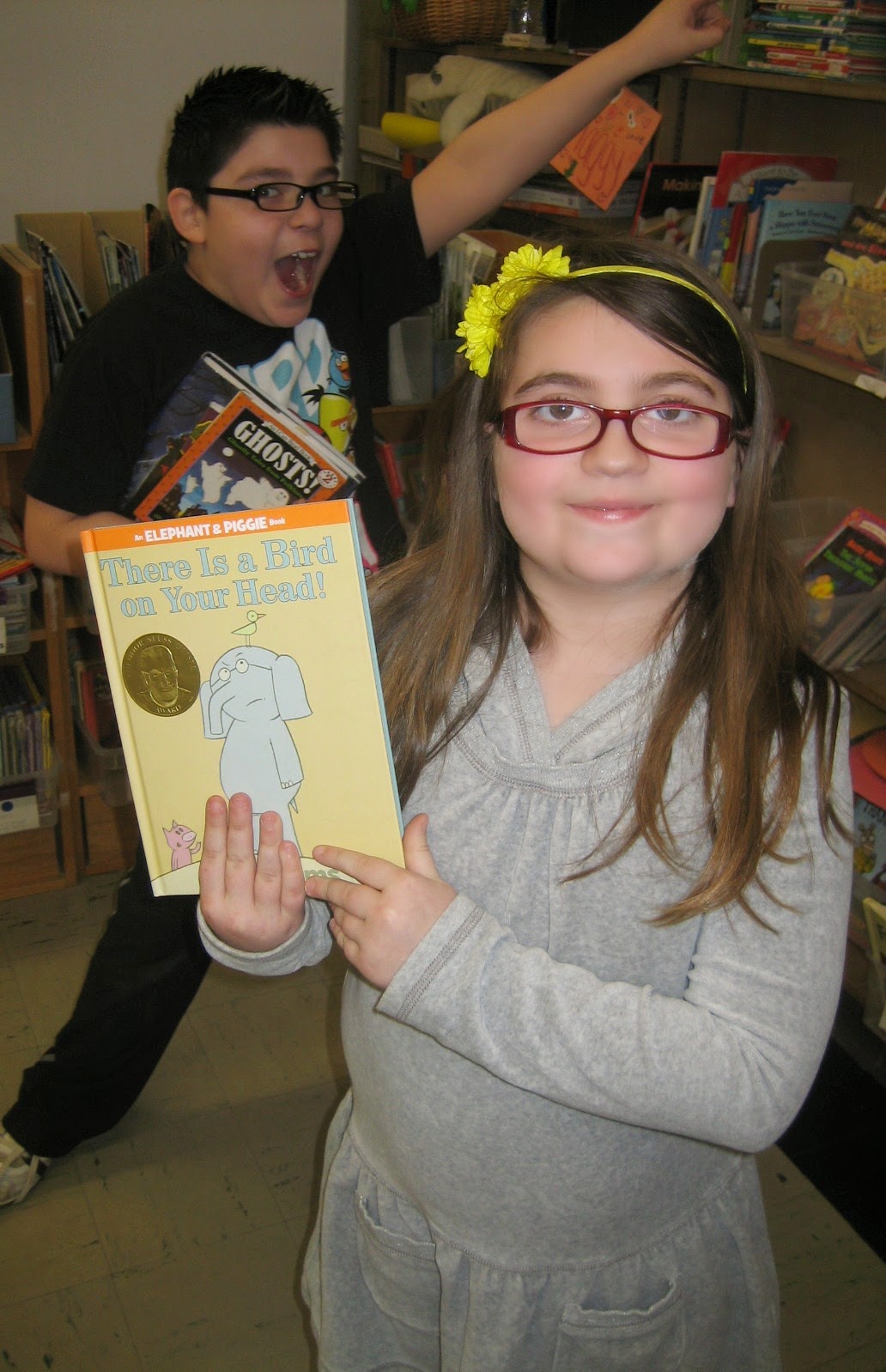
The first was to bring the 20-volume Elephant & Piggie collection to Stadium. These books are by Mo Willems, creator of the Pigeon and a student favorite.

Room 5 students were the first to dive into the box of new books. Here they are:


Yesterday, I introduced first graders to the series. Here is Room 1 ...


They are trying out Elephant & Piggie's dance moves, which are found at this link. Have your own dance party at home!

Sunday, March 30, 2014

Illustrating the Importance of Primary Resources

In 5th and 6th grade, we've been talking about point of view and how it can influence the telling of a story. That led to a lesson about first-hand, or primary, sources, and the importance of eyewitness accounts and original documents in research.

The students saw how a message can be distorted as it passes through different interpretations by playing a game:

  • Step 1: Write an adjective and a noun at the top of a piece of paper. Pass it to the left.
  • Step 2: Draw an illustration of the adjective and noun that your neighbor just handed to you.
  • Step 3: Fold down the paper so that only your drawing is showing. Pass it to the left.
  • Step 4: Write an adjective and noun to describe the drawing that your neighbor just handed to you.
  • Step 5: Fold down the paper so that only your words are showing. Pass it to the left.

And so on.

Here are some of the results:


Monday, March 17, 2014

Guide Word Rags to Riches


Before second graders start using the dictionary, they need to know how to use guide words. So they've been practicing via an online game. So far, the highest score in Mrs. Wall's class was 4,000, hit by J.R. Can you beat his score?

See how well you know your alphabet by taking this quiz.

Common Core Standard addressed: RI.2.5 - Know and use various text features to locate key facts or information in a text efficiently.

Monday, March 10, 2014

How to Log in to Your Library Account

Third graders are now experts in logging into their library accounts and ordering books. Follow the instructions below the photos to check what you have out and look for new items to bring home.


Log in
  1. Go to http://ricat.net.

  2. Under “Elementary Schools,” scroll down to the Stadium link. The school library page will open.

  3. Click the “Login” button in the top right.

  4. Enter your User Name: CDS#####
    (fill in your lunch/shelf card number)

  5. Enter your Password: MMDDYY
    (fill in your six-digit birthdate; for example, May 5, 2003 would be typed in as 050503)

  6. You should now see your name in the top right corner of the screen.
Check your account

Click on the “My Info” tab to see what books you have checked out.

Place a Hold
  1. Click the "Catalog" tab.

  2. Before searching for your title or subject, choose “RICAT (all members)” from the Location drop-down. This will search all schools, so if Stadium doesn’t have what you’re looking for, you can still request your item. 

  3. When find the item you want, click on the book’s title to go to the Details page.

  4. Then click the “Hold It!” button on the right